
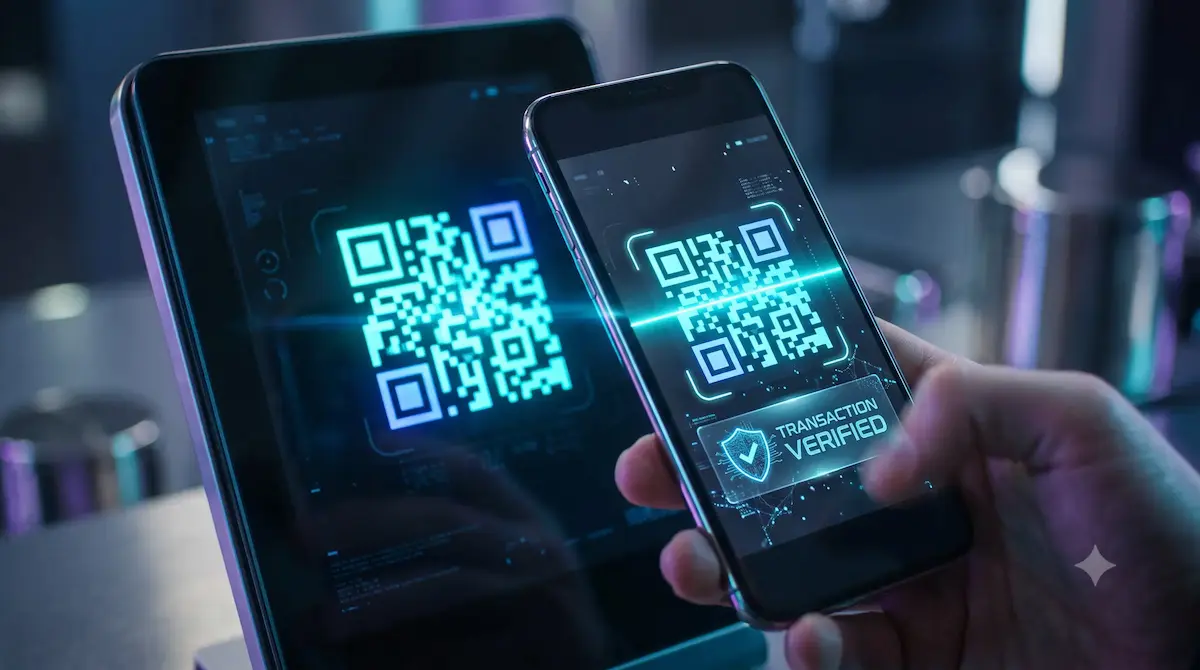
Always verify the full wallet address on your screen before scanning any crypto QR code.
Nothing induces panic quite like sending digital assets. Miss a single digit in a payout string, and your coins disappear down a black hole with zero recourse.
Like pretty much anyone holding crypto, I fell for the whole QR code pitch.Why sweat typing a massive address when your camera can read it in half a second? Kiosk deposits, quick merchant checkouts, stashing crypto on a hardware wallet—snap the screen and boom, done.
But with the sharp rise in crypto QR code scams, that smooth little routine ended up biting me hard and costing me real money.
At its core, every QR block is simply raw text masked behind a grid of tiny dark squares.Our eyes cannot parse those patterns to verify where they actually lead.
Until your smartphone camera decodes the matrix, you are operating purely on blind faith. Scammers prey on that exact blind spot.
How to Identify Crypto QR Code Scams Before It’s Too Late
What Happened to Me: The ATM Sticker Trick
A few months ago, I picked up a random call telling me an official contract I bid on had just cleared.
The catch was that I had to clear a quick verification fee immediately.
The caller kept the pressure on and directed me straight to a neighborhood crypto kiosk to get it done.Excited, I hurried over, aimed my camera at the QR code on the kiosk, and fed the money in.Where I screwed up was pure laziness.
Once the scanner took the code, I never even glanced at the destination line on the terminal. A couple of minutes later, I opened my wallet expecting to see the confirmation, and just froze.
The funds never arrived—every dollar I fed into that machine went straight into an attacker’s wallet.
The kiosk had not malfunctioned. Right on the scanner glass, somebody had quietly plastered a paper sticker with their own fake QR code.
Ever since that hard lesson, I make it a non-negotiable habit to run my fingers over any public terminal to feel for peeling edges or an overlay sticker before scanning anything.
Stay Far Away from Free Online QR Generators
When a friend asked for my crypto address to send some funds, my first thought was to search Google for a free online generator to spin up a clean image.
Luckily, a coder buddy flagged the site before I downloaded anything.
He showed me the con: the webpage displays your authentic address so you don’t worry, but the script behind the scenes sneaks an attacker’s wallet into the actual code image you save.
Just trace out the disaster: your buddy aims their camera at the screen, gives the green light, and you watch on-chain as your entire balance takes a detour straight into an exploiter’s pocket.
That reality check shook me up good. From that day on, I completely quit pasting my keys or addresses into random browser tools.I don’t mess around with random codes anymore.
If the prompt doesn’t originate straight out of my daily setups—like MetaMask, SafePal, or Trust Wallet—I refuse to scan it.
Vanity Addresses: Quit the Four-Character Glance
Let’s be real—most of us get lazy. Most folks fall into the trap of glancing at just the starting characters and the tail end, casually trusting whatever sits in between.
Scammers know this habit all too well.They run background scripts that construct copycat vanity addresses on demand.
They duplicate your wallet’s prefix and suffix down to the letter, counting entirely on your muscle memory to accept an address that only looks right on the surface.
If you rush through and tap confirm based solely on those outer characters, the altered sequence in the middle routes your deposit straight to an attacker.
Even when I am in a massive hurry, I force myself to pump the brakes and trace through the middle digits of the address before hitting send.
The Day My Wallet Almost Got Wiped Out (Quishing)
Not too long ago, I made the mistake of scanning an untrusted QR prompt, and it bounced my browser directly into a suspicious Web3 site.Without hesitation, the follow-up prompt triggered a malicious approval screen demanding blanket spending rights over everything in my account.
My finger was hovering right over the confirm button when my gut told me to stop.
It hit me right then: I only set out to do a standard payout, so why is this dApp asking for permanent, unrestricted permission over my entire balance?I hit cancel instantly, revoked the session, and killed the page.
My finger was hovering right over confirm—taking that extra breath literally saved my entire stack.
Should You Stop Using QR Codes Altogether?
Naturally, after I mapped out these vulnerabilities for my network, everybody jumped straight to the logical follow-up: Why even risk pointing a camera at a code in the first place? Let’s just scrap them.
I told them they were looking at it wrong. Don’t ditch the tool—ditch the bad habits.
Public scanners are a minefield, but using QR codes with an air-gapped hardware wallet is hands down the cleanest, safest way to sign crypto transactions.
A genuine cold-storage setup eliminates digital entry points entirely—leaving out active web connections, short-range wireless chips, and physical data cords.
Here is the exact 6-step flow I use to sign transactions without ever exposing private keys to the web:
- Broadcasting via Animated QR: A looping, animated QR code pops up on the device display, encoding the freshly signed data. I point my Smartphone camera at the animation to ingest the signature, and the phone beams the signed transaction directly onto the blockchain. The transaction clears in a flash, and the best part is that my private keys never get exposed to the internet even for a millisecond.
- Drafting on the Smartphone: I open my companion wallet app on my Smartphone and enter the receiver’s address and the amount. This builds an unsigned transaction file. Because the phone does not store my private keys, it cannot move any funds by itself.
- Displaying the QR Code: The companion app renders that raw, unsigned transaction into a QR code on my Smartphone screen.
- Scanning with the Hardware Device: I point the offline wallet’s optical camera directly at the Smartphone screen to read the unsigned payload. It pulls the necessary cryptographic data across purely by sight, meaning no physical plugs or wireless signals are ever active.
- WYSIWYS (What You See Is What You Sign): The host device cannot be taken at face value. Even if malware infiltrates my Smartphone to alter numbers, it hits an absolute wall at the hardware boundary. I take a beat to scrutinize the payout destination, gas fee, and token amount right on the hardware screen before touching a single button.
- Entering the Offline PIN: The moment every figure passes visual inspection, I punch my PIN into the hardware device. That triggers the secure internal chip to sign the transaction payload locally, keeping the entire cryptographic operation locked down and disconnected from the internet.
5 Habits You Should Adopt Today
If you want to keep your balance secure, make sure these five security steps are on your radar:
- Inspect the Glass First: Never rush to scan a QR code at a terminal or ATM. Sweep your hand across the monitor to feel for sticky film or pasted overlays—counterfeit stickers sit on top of the surface and give themselves away with a simple touch.
- Verify the Entire Address: Never stop at the first and last four characters; inspect the full sequence running through the middle.
- Ditch Third-Party Generators: Don’t plug your addresses into random online tools; generate codes only from inside recognized, trusted wallet apps.
- Test the Waters First: Before pushing serious capital through, fire off a throwaway transfer of a dollar or two to ensure the pipeline actually works.Confirming that small test deposit hits the right wallet takes less than two minutes and saves you from losing everything to a wrong address.
- Use Human-Readable Domains: Use clean domain handles instead of raw cryptographic strings. A simple name.eth through ENS makes double-checking your destination painless and keeps costly typos to a minimum.There is no toll-free support line in crypto to reverse an unauthorized transfer.
There is no toll-free support line in crypto to reverse an unauthorized transfer. Taking sixty seconds to audit what is on your display is quite literally the strongest firewall to protect yourself against crypto QR code scams and drainers.
Disclaimer: This article is for informational, educational, and personal experience-sharing purposes only and should not be construed as financial, legal, or investment advice. Dealing with digital assets involves substantial risk, and transactions executed on the blockchain are irreversible. Always conduct your own due diligence, verify contract addresses independently, and never share private keys, seed phrases, or sensitive wallet credentials with unverified sources. The author and publisher are not liable for any losses, hacks, or damages resulting from the use of the techniques, tools, or third-party services mentioned herein.